
“The style direction input helps us align outputs with each campaign without overcomplicating the UI.”
SN
Sara N.
Art Lead, Mira Studio
Loading...
Transform a reference image into a structured direction summary for image-to-image generation.
Style notes are blended into the Flux 2 Klein image-to-image prompt.
Upload reference
Click to select an image
Generated preview
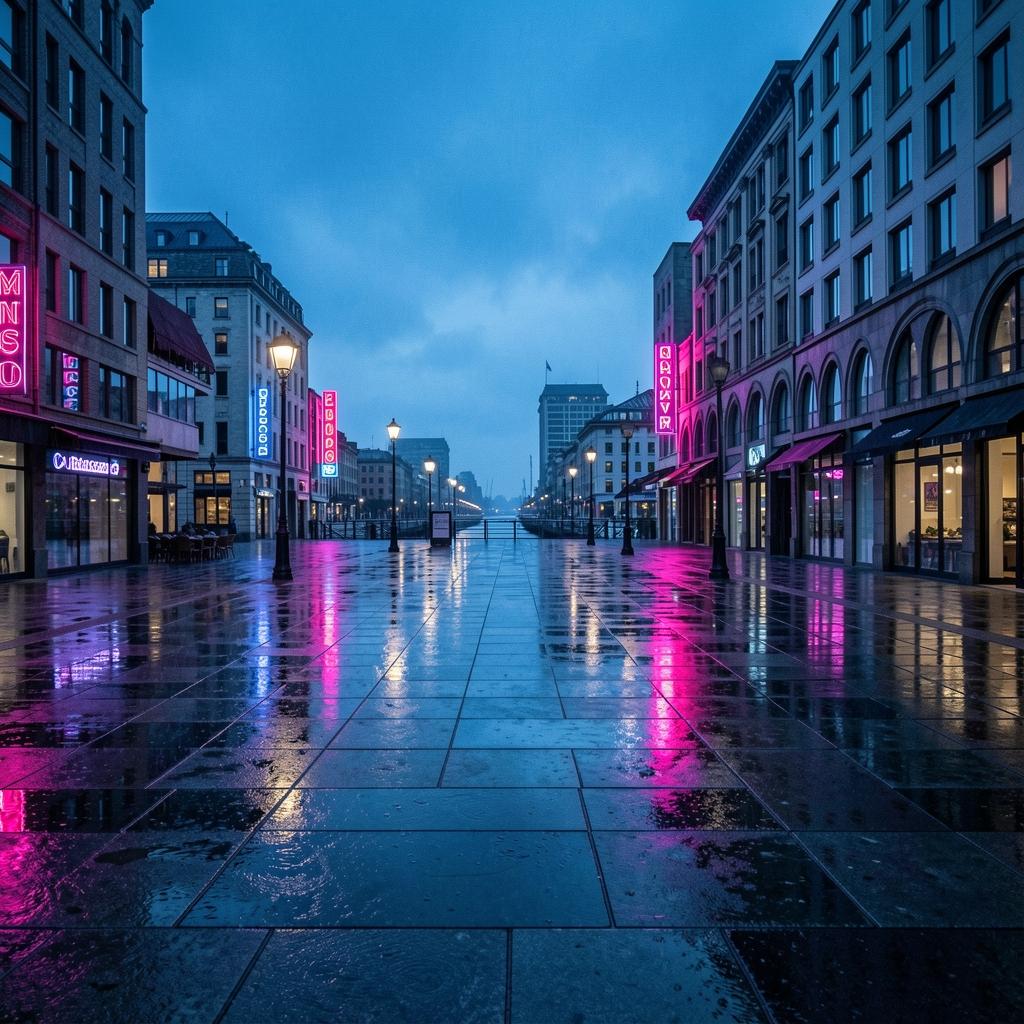
Compare real photo inputs with edited outputs to see how the tool preserves composition while shifting mood, lighting, and color.
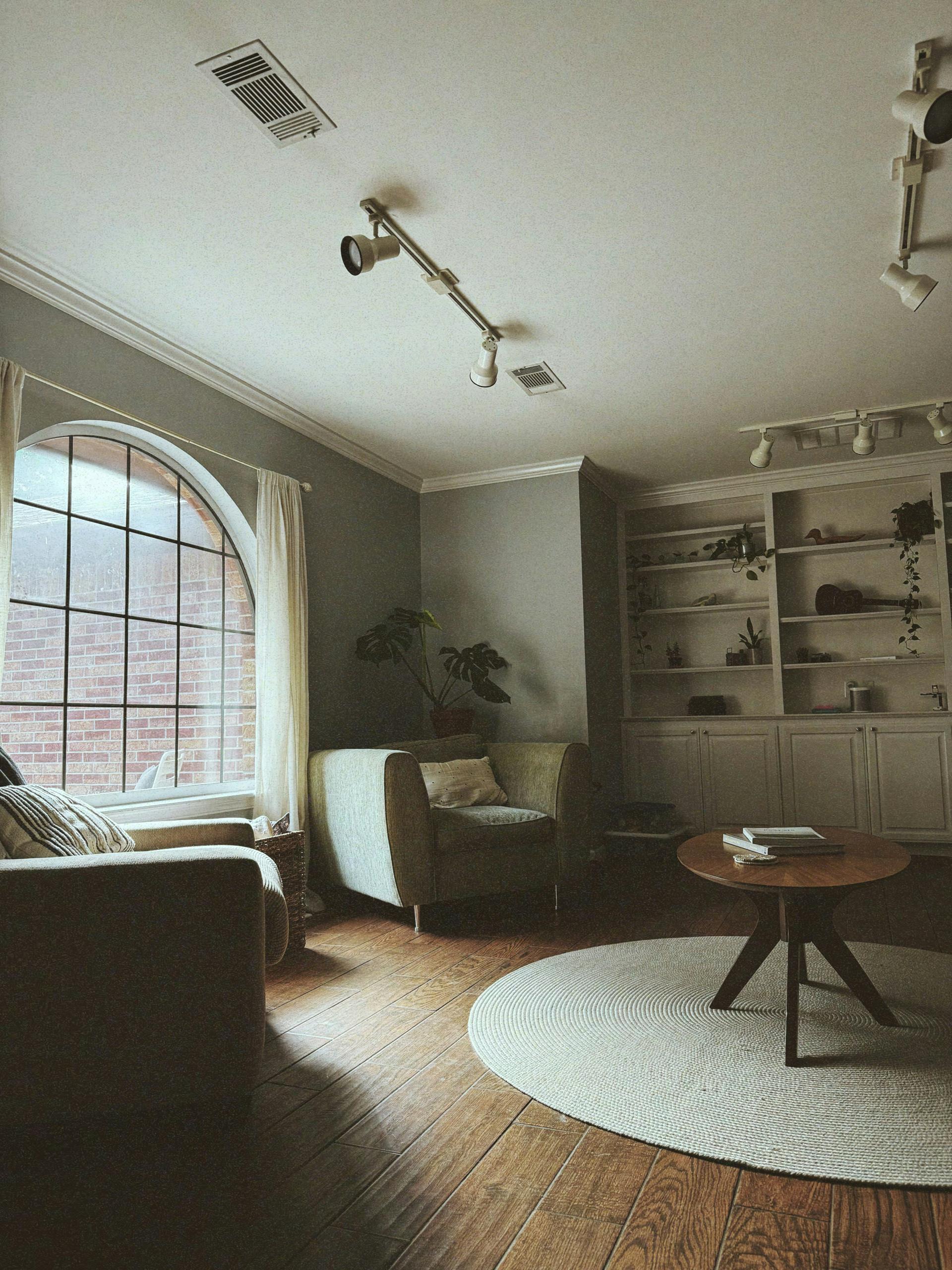

See how the edit keeps structure and framing while shifting light, color temperature, and mood for a new visual story.

Real feedback from creators using Image to Image in their workflows.
“The style direction input helps us align outputs with each campaign without overcomplicating the UI.”
Sara N.
Art Lead, Mira Studio
“I can quickly iterate from reference image to final direction. The workflow feels fast and practical for day-to-day use.”
Omar H.
Product Designer, Framegrid
“The style direction input helps us align outputs with each campaign without overcomplicating the UI.”
Sara N.
Art Lead, Mira Studio
“I can quickly iterate from reference image to final direction. The workflow feels fast and practical for day-to-day use.”
Omar H.
Product Designer, Framegrid
“This is exactly the kind of focused image-to-image page we needed: clear controls, clear output, no noise.”
Jules K.
Creative Strategist, Independent
“This is exactly the kind of focused image-to-image page we needed: clear controls, clear output, no noise.”
Jules K.
Creative Strategist, Independent
Still have questions? We're here to help.
Contact Support