
“The style direction input helps us align outputs with each campaign without overcomplicating the UI.”
SN
Sara N.
Art Lead, Mira Studio
Loading...
حوّل صورة مرجعية إلى ملخص اتجاه منظم لتوليد صورة إلى صورة وتنويعات موجهة بالمطالبات.
ملاحظات الأسلوب تمتزج في مطالبة صورة إلى صورة Flux 2 Klein.
اختر حجم الإخراج للصورة المولدة.
رفع المرجع
انقر لتحديد صورة
معاينة مولّدة
قارن مدخلات الصور الحقيقية مع المخرجات المعدلة لرؤية كيف تحافظ الأداة على التكوين مع تغيير المزاج والإضاءة واللون.
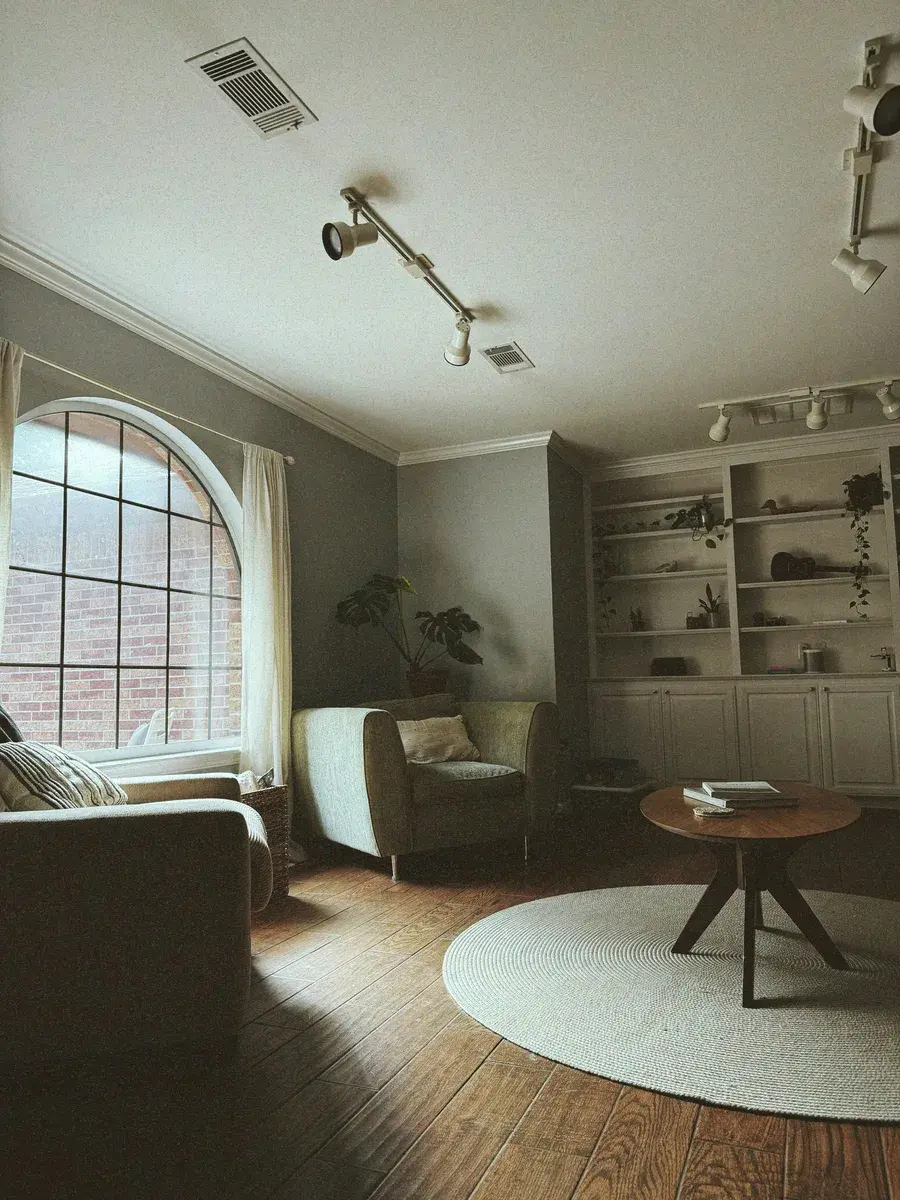
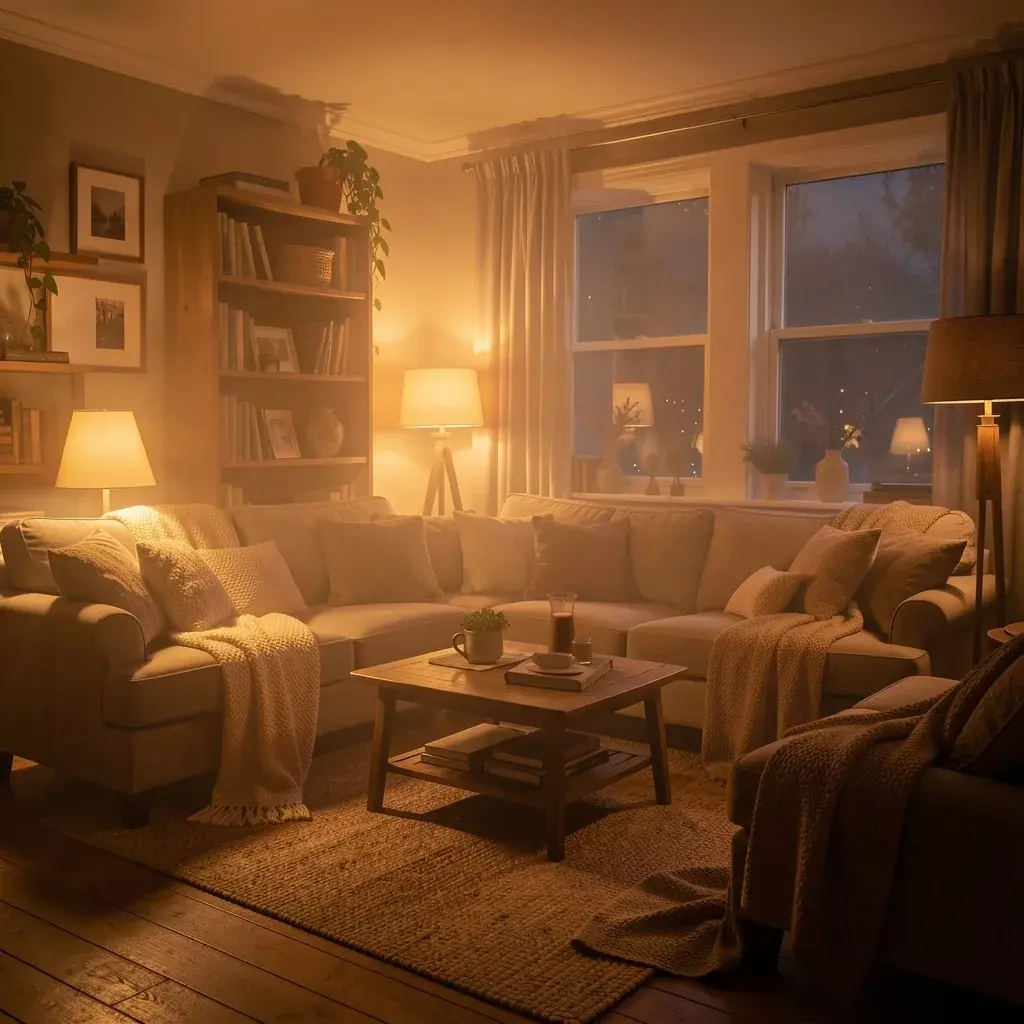
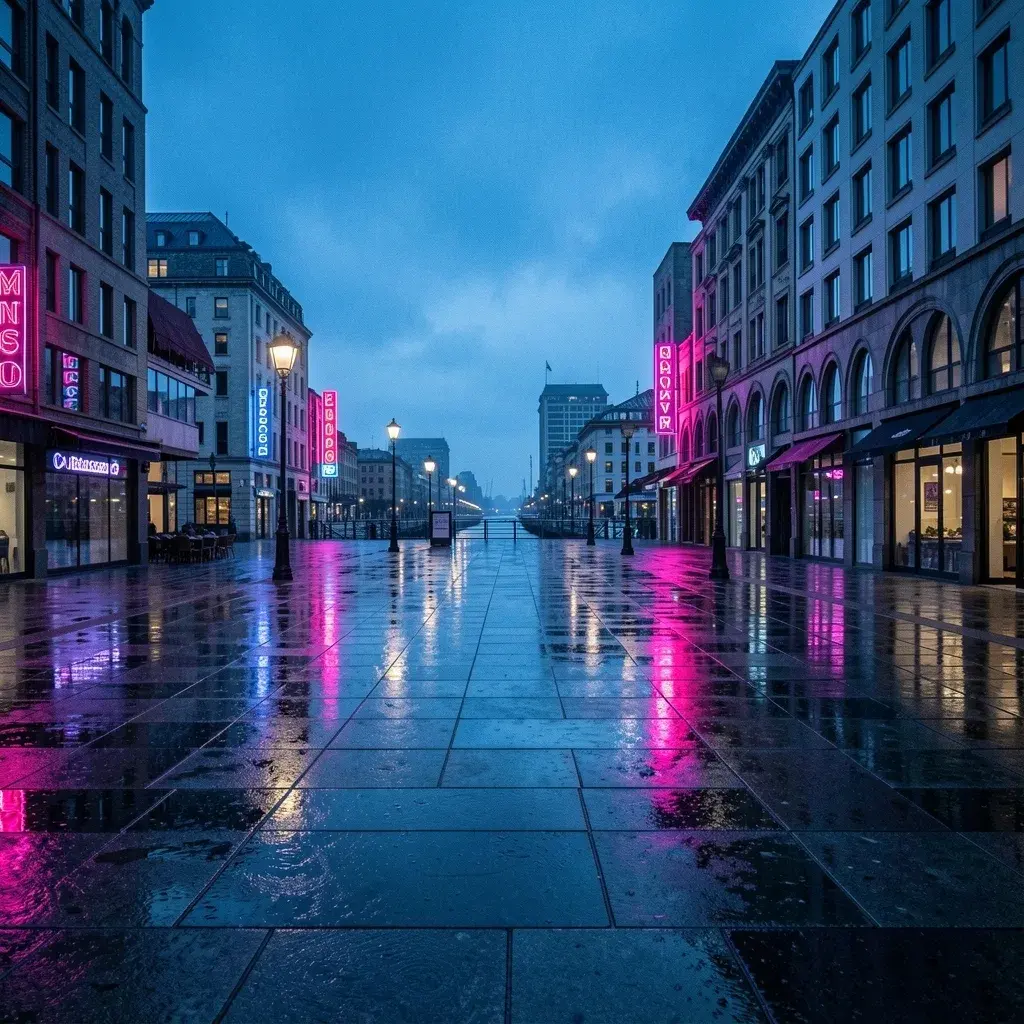
شاهد كيف يحافظ التعديل على الهيكل والإطار مع تغيير الضوء ودرجة حرارة اللون والمزاج لقصة بصرية جديدة.

آراء حقيقية من المبدعين الذين يستخدمون صورة إلى صورة في سير عملهم.
“The style direction input helps us align outputs with each campaign without overcomplicating the UI.”
Sara N.
Art Lead, Mira Studio
“I can quickly iterate from reference image to final direction. The workflow feels fast and practical for day-to-day use.”
Omar H.
Product Designer, Framegrid
“The style direction input helps us align outputs with each campaign without overcomplicating the UI.”
Sara N.
Art Lead, Mira Studio
“I can quickly iterate from reference image to final direction. The workflow feels fast and practical for day-to-day use.”
Omar H.
Product Designer, Framegrid
“This is exactly the kind of focused image-to-image page we needed: clear controls, clear output, no noise.”
Jules K.
Creative Strategist, Independent
“This is exactly the kind of focused image-to-image page we needed: clear controls, clear output, no noise.”
Jules K.
Creative Strategist, Independent
تحتاج مساعدة في تشكيل برومبت أو ربط نموذج؟
تحدث إلى الدعم