
“منحت هذه الأداة فريقنا طريقة موثوقة لتحويل المراجع إلى مطالبات دون إعادة كتابة لا نهائية.”
لم
ليلى م.
مديرة إبداعية, استوديو نورثلاين
Loading...
ارفع أي صورة مرجعية واحصل على مطالبة منظمة وجاهزة للنسخ لنموذج الذكاء الاصطناعي المستهدف.
أسقط صورة أو انقر للرفع
PNG، JPG، أو WEBP · حتى 4 ميغابايت
الأفضل بشكل عام
أدخل أي صورة مرجعية واحصل على مطالبة منظمة وجاهزة للنسخ في ثوانٍ. لا كتابة يدوية، لا تخمين — فقط ارفع وأنشئ.
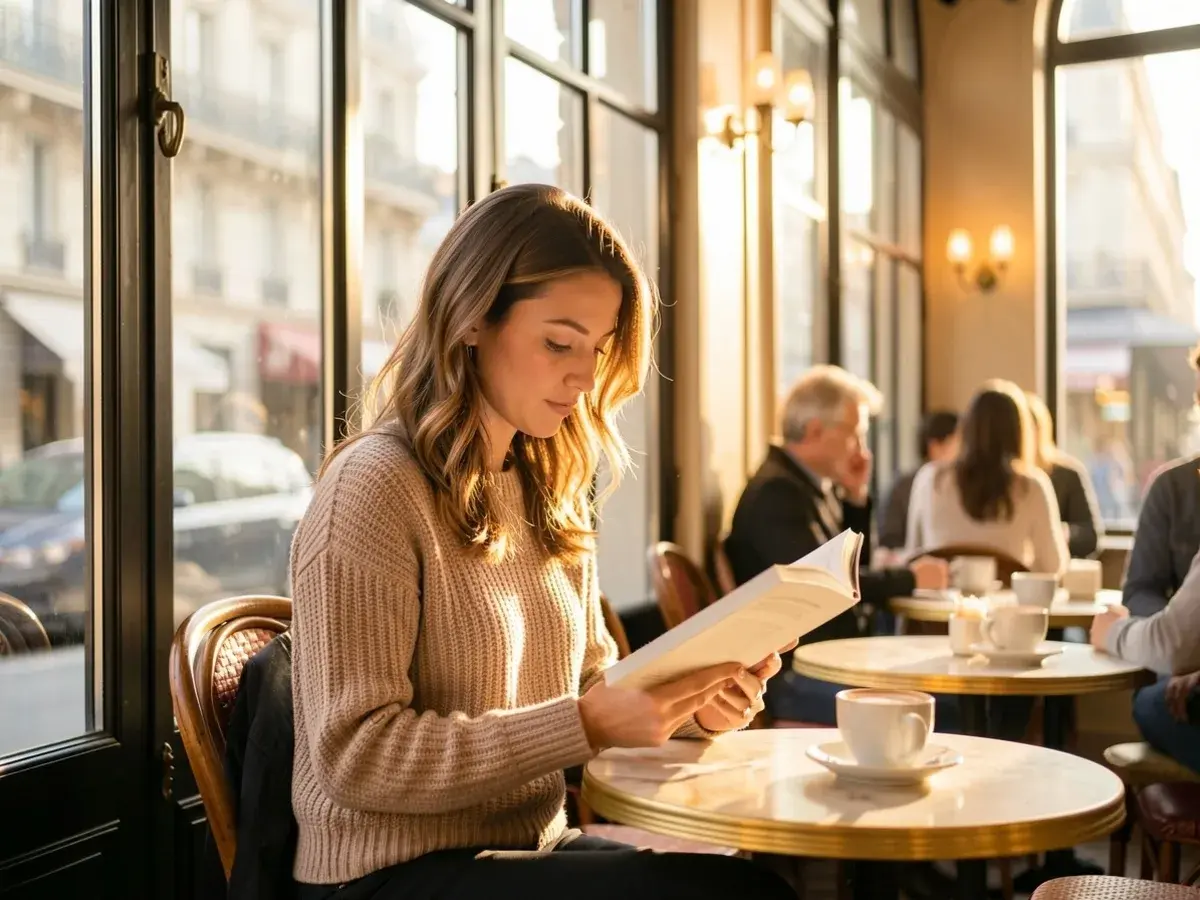
نتيجتك مصممة خصيصًا للنموذج الذي تختاره. تخطَّ إعادة الكتابة اليدوية — احصل على مطالبة تطابق بيئة التوليد المستهدفة فورًا.

آراء حقيقية من المبدعين الذين يستخدمون تحويل الصورة إلى مطالبة في سير عملهم.
“منحت هذه الأداة فريقنا طريقة موثوقة لتحويل المراجع إلى مطالبات دون إعادة كتابة لا نهائية.”
ليلى م.
مديرة إبداعية, استوديو نورثلاين
“المخرجات واضحة وقابلة للاستخدام. إنها الآن خطوتنا الأولى الافتراضية لتصور الحملات.”
يوسف أ.
مسوّق نمو, بيكسل سكيل
“منحت هذه الأداة فريقنا طريقة موثوقة لتحويل المراجع إلى مطالبات دون إعادة كتابة لا نهائية.”
ليلى م.
مديرة إبداعية, استوديو نورثلاين
“المخرجات واضحة وقابلة للاستخدام. إنها الآن خطوتنا الأولى الافتراضية لتصور الحملات.”
يوسف أ.
مسوّق نمو, بيكسل سكيل
“تدفق بسيط، مطالبات أفضل، نتائج أسرع. بالضبط ما أردته من أداة تحويل الصورة إلى مطالبة.”
نورة ت.
مصممة حرة, مستقلة
“ارفع، اختر نموذجًا، أنشئ. هذا كل ما يتطلبه الأمر. المخرجات مفيدة فورًا.”
إيمان ر.
قائدة فنية, استوديو إيمبر
“تدفق بسيط، مطالبات أفضل، نتائج أسرع. بالضبط ما أردته من أداة تحويل الصورة إلى مطالبة.”
نورة ت.
مصممة حرة, مستقلة
“ارفع، اختر نموذجًا، أنشئ. هذا كل ما يتطلبه الأمر. المخرجات مفيدة فورًا.”
إيمان ر.
قائدة فنية, استوديو إيمبر
تحتاج مساعدة في تشكيل برومبت أو ربط نموذج؟
تحدث إلى الدعم